
Review & Replay
Pro & Elite plansWatch exactly how someone typed
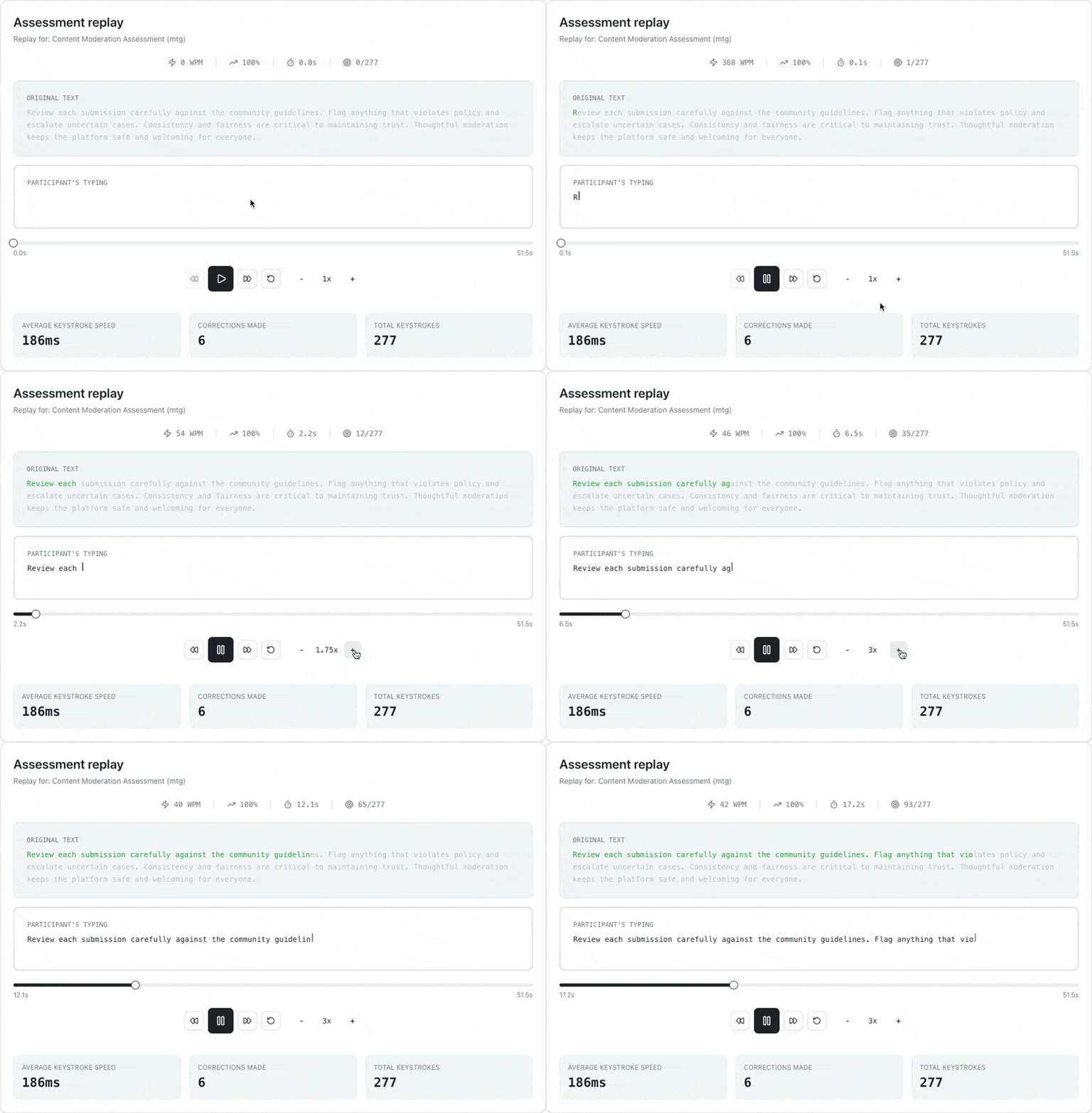
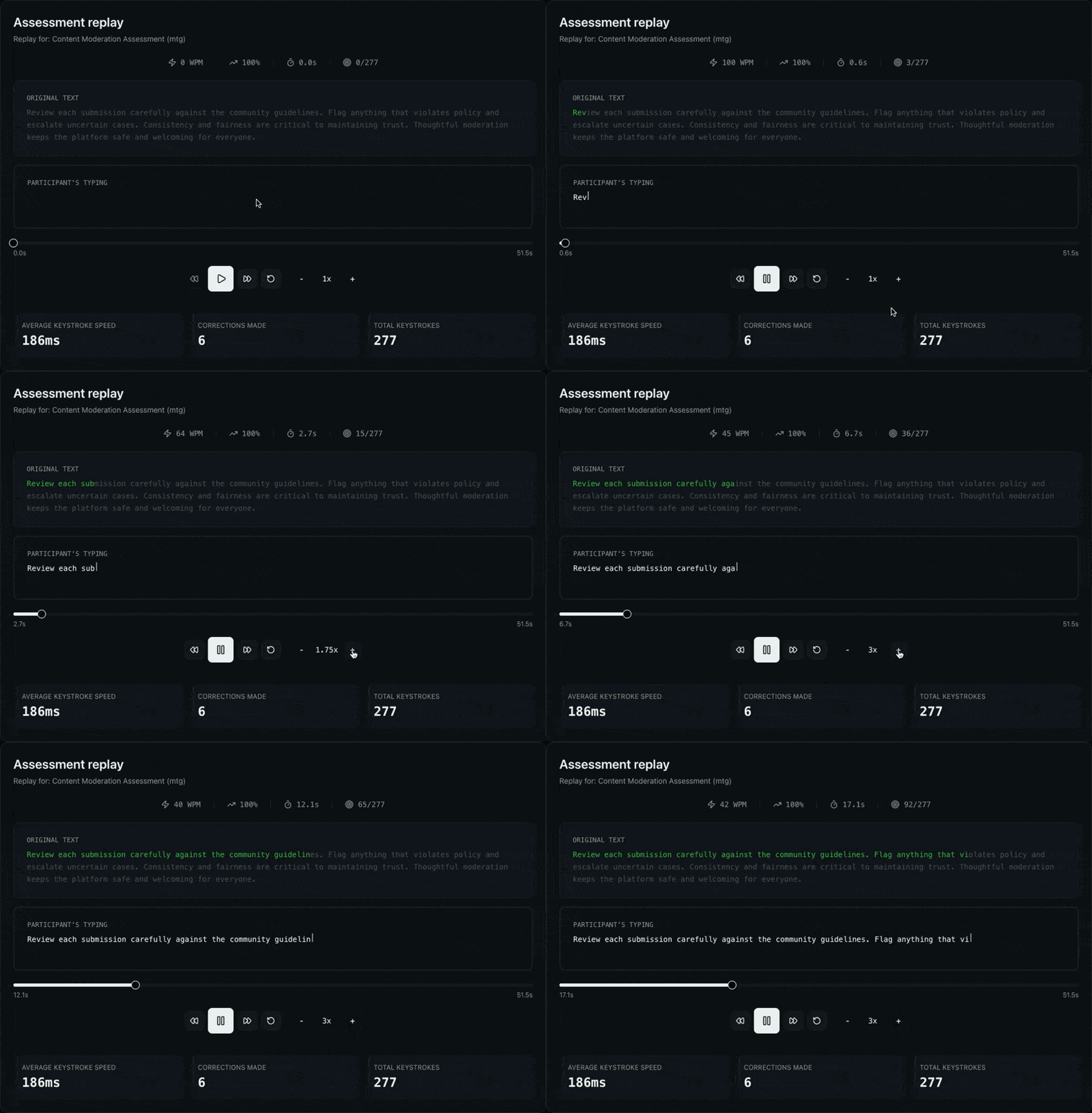
Go beyond a final score. Replay any attempt keystroke by keystroke to see how a participant reached their result—corrections, pacing, and pauses included. Play at 0.25x to 4x with a character-level view of what was typed versus the original passage.
- Keystroke-level session replay with speed control
- Character-by-character diff against the source passage
- WPM, accuracy, and elapsed time as the replay plays
- Keystroke insights: pacing, backspaces, and total keystrokes
What you can see in a replay
Every replay reconstructs the full session so nothing is left to guesswork.
Playback controls
Play, pause, seek, and scrub any attempt from 0.25x to 4x speed.
Character-level diff
See the typed text against the original passage, character by character.
Live metrics
Watch WPM, accuracy, and elapsed time update as the replay plays.
Keystroke insights
Review pacing, backspace count, and total keystrokes at a glance.
Verify results and investigate flags
Review & Replay pairs with anomaly flags: when a session is flagged for atypical patterns, open the replay to see what actually happened before drawing any conclusions.
Review with confidence
Try Review & Replay in the interactive demo, or start a plan that includes it.